

- Innovate Solutions








Plugs into 300+ tools you already use
- Slack
- HubSpot
- Stripe
- Notion
- Google Sheets
- Discord
- Airtable
- Calendly
- Gmail
- Linear
- GitHub
- Typeform
- Apollo
- Trello
- Monday
- Google Calendar
- Google Drive
- X / Twitter
- TikTok
- YouTube
- Mailchimp
- Outlook
Which path do you want to go down?
Four doors into one operating system: pick the one that sounds like you.
Every door is a video Theo made from a written prompt, not stock footage: three with Theo Reel, the creator's in Director Mode.
Everything your business needs to get going.
Seven jobs every business has to get done, and exactly how OpenCharts does each one.
01Code Canvas
Launch your website this week.
Describe the site or the app you need. Theo builds runnable code with a live preview, a real database and publishing on your own domain, and you refine it by chatting.
Code Canvas
02Theo Agent
Answer every new lead.
A Theo Agent reads each lead from your ads, your site and your inbox, replies in your voice, logs the deal in your CRM, and holds anything over your limit for your approval.
Theo Agent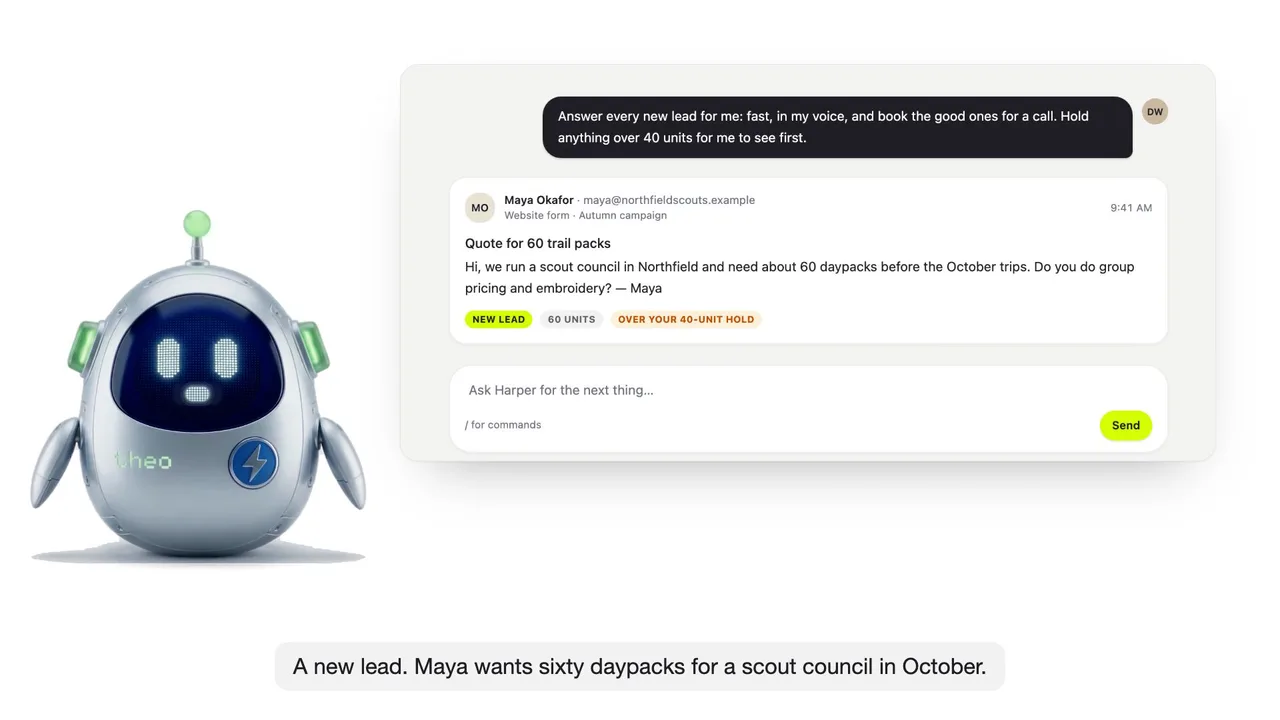
Illustrative example with fictional companies and people. Product scenes are rendered from the actual interface with example data, not a recording of a live run.
03Theo Agent
Build the whole brand, not just a logo.
Names checked against conflicts, logo directions, colors and type from your references, a brand book, editable templates and the launch posts, with you approving anything that goes public.
Theo Agent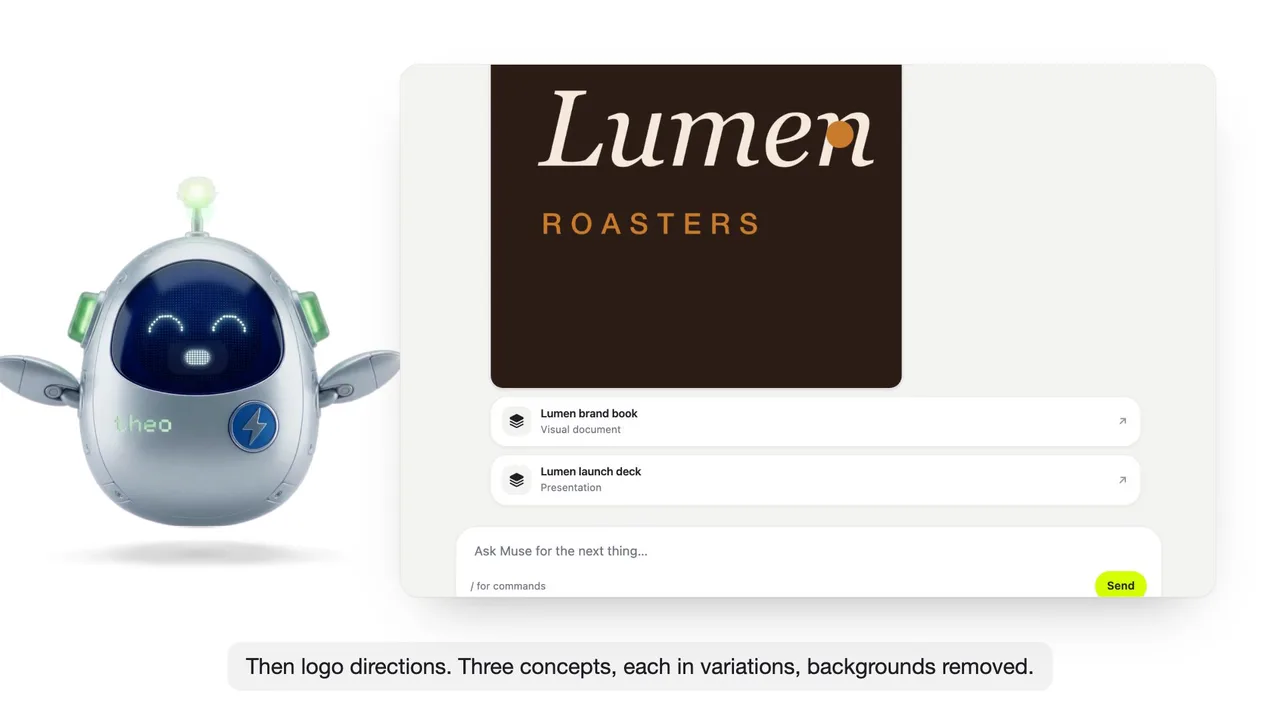
Illustrative example with fictional companies and people. Product scenes are rendered from the actual interface with example data, not a recording of a live run.
04Presentations
Pitch it with a deck, not a draft.
Describe the topic and Theo designs the whole deck in your brand: the layouts, the artwork, the speaker notes. Every slide stays editable, and you present live from the same file.
Presentations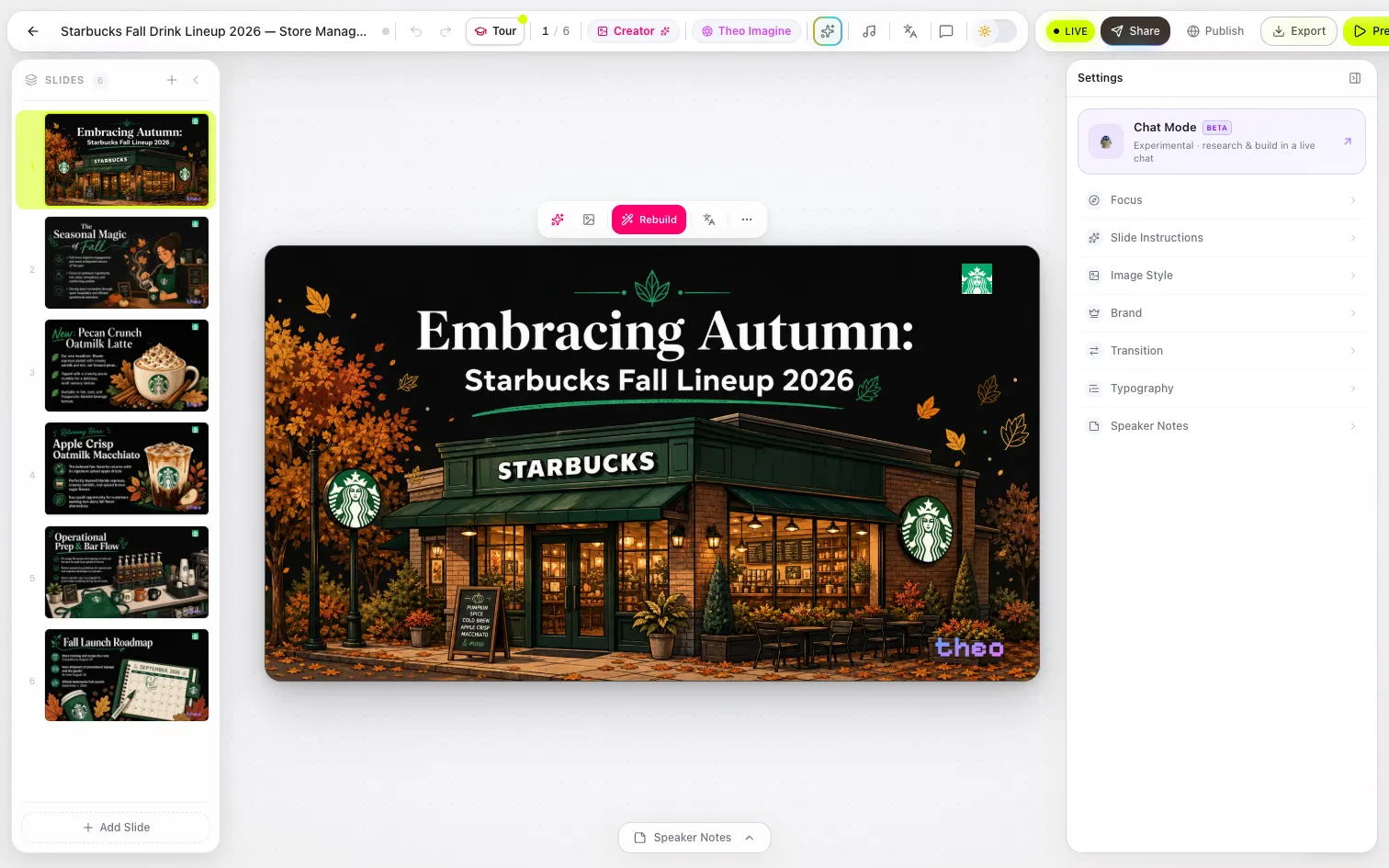
05Director Mode
Direct your own ads and videos.
Describe the shot and give notes take by take. Keep the camera and the lighting, change only the note, and every take is kept so you can compare them side by side.
Director Mode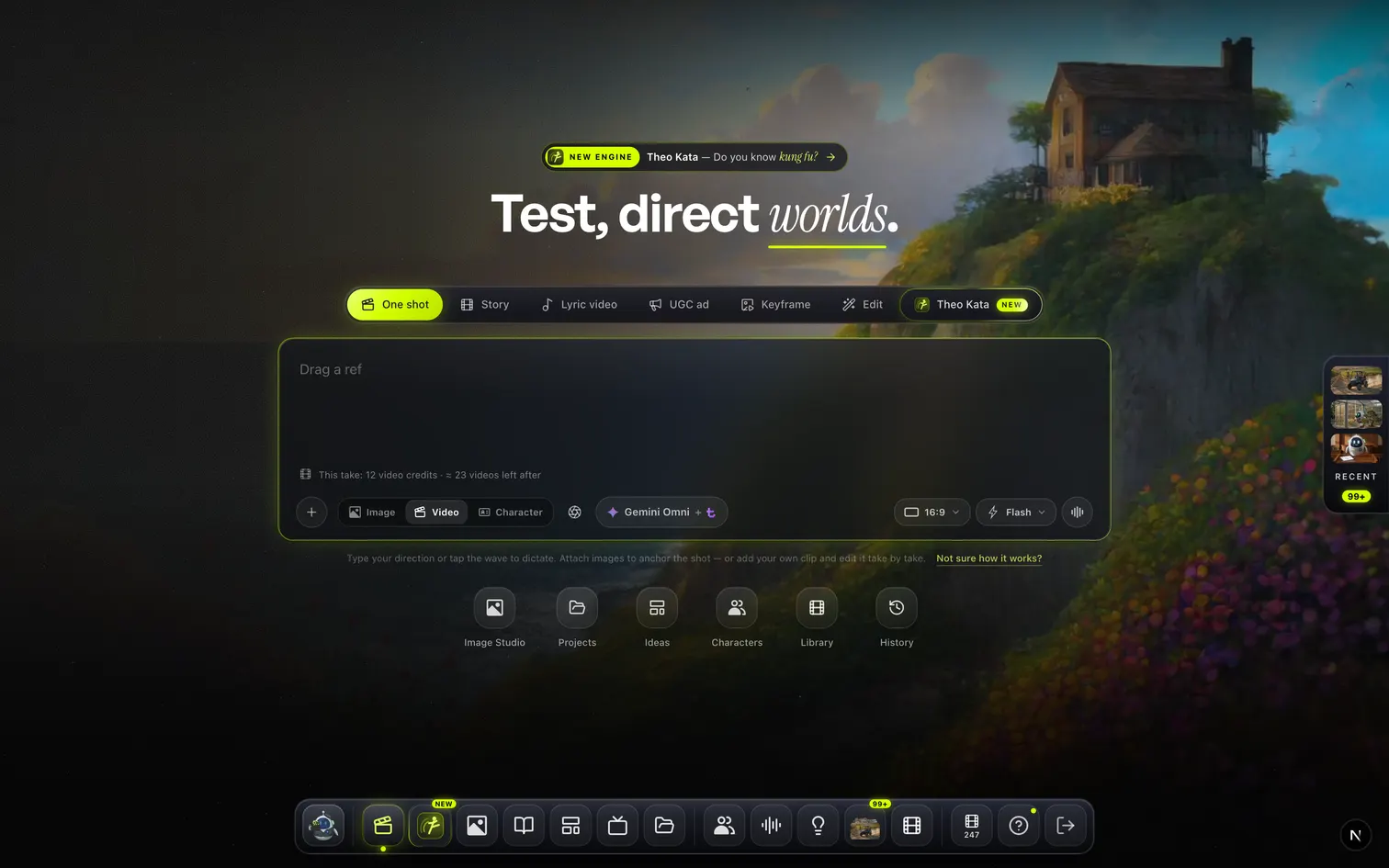
06Sheets
Run the numbers in a real spreadsheet.
Real formulas, charts and pivot tables, with a copilot that edits the live grid. Ask for the model, the cleanup or a list enriched from the web, and watch the cells fill in.
Sheets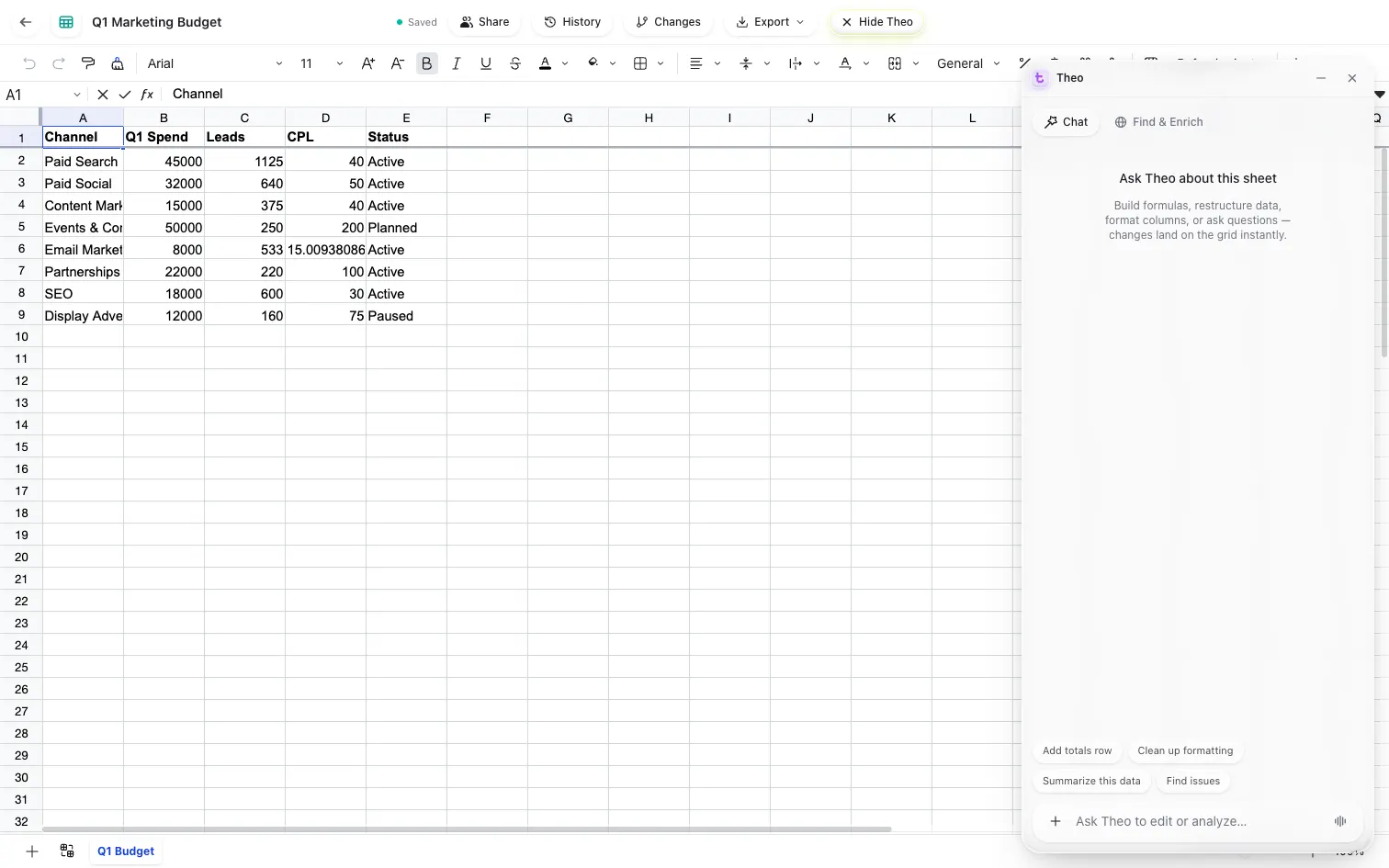
07Workflow Builder
Automate the job you keep repeating.
Design the workflow like a flowchart: triggers and schedules, Theo decisions, real connectors, a human approval before anything irreversible, and a log of every step.
Workflow Builder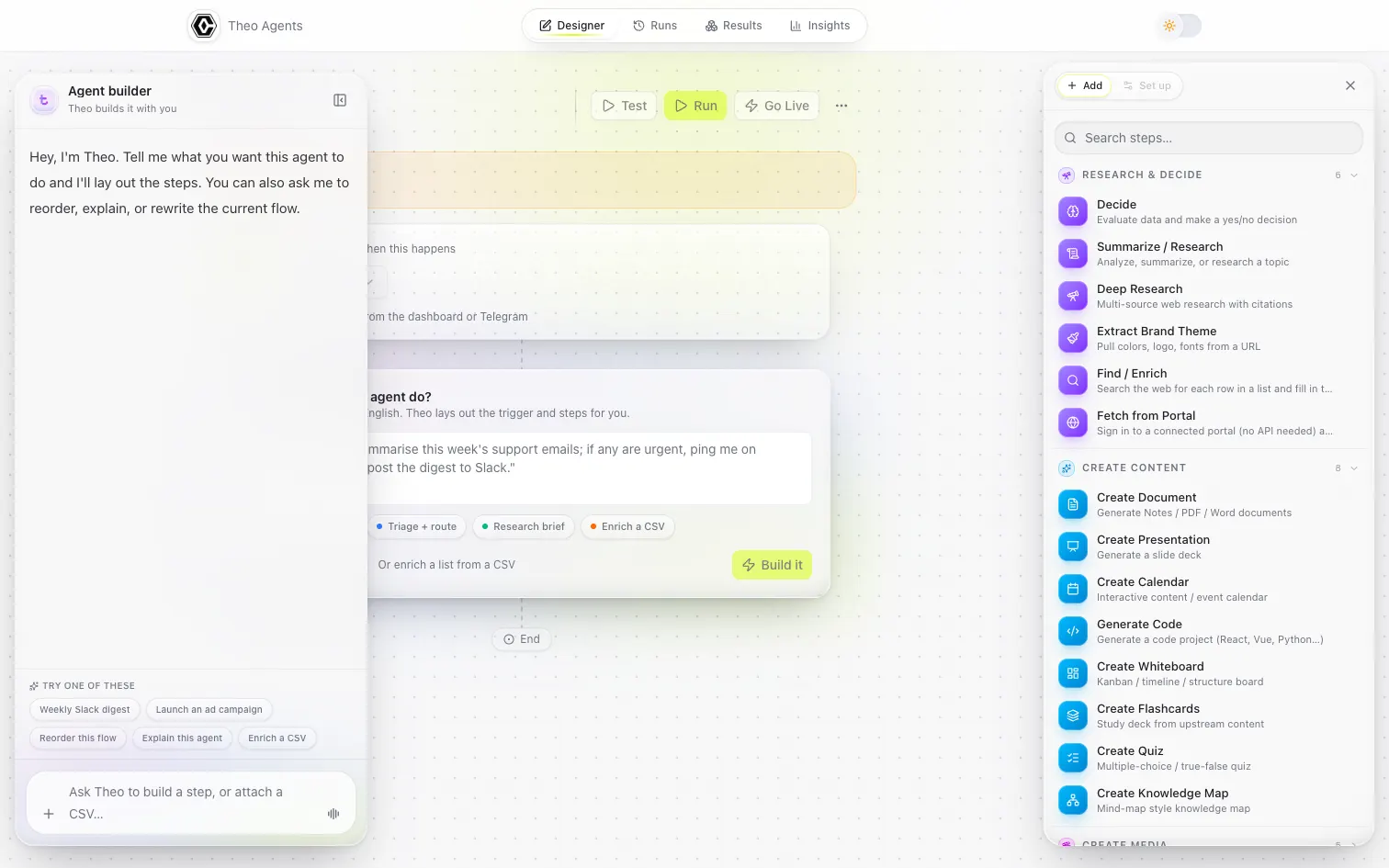
Everything included
Everything in OpenCharts, at a glance.
24 products across five suites. Feature access and usage depend on your plan. Compare plans.
Create
Docs, decks and diagrams
Studio
Images, video and audio
Build
Apps and automations
Team
Plan, meet and share
You came to build a business.
Not a software stack.
Everything you just read, and everything you have not needed yet, comes with one membership.
Sound familiar?
A new idea.
Five more logins.
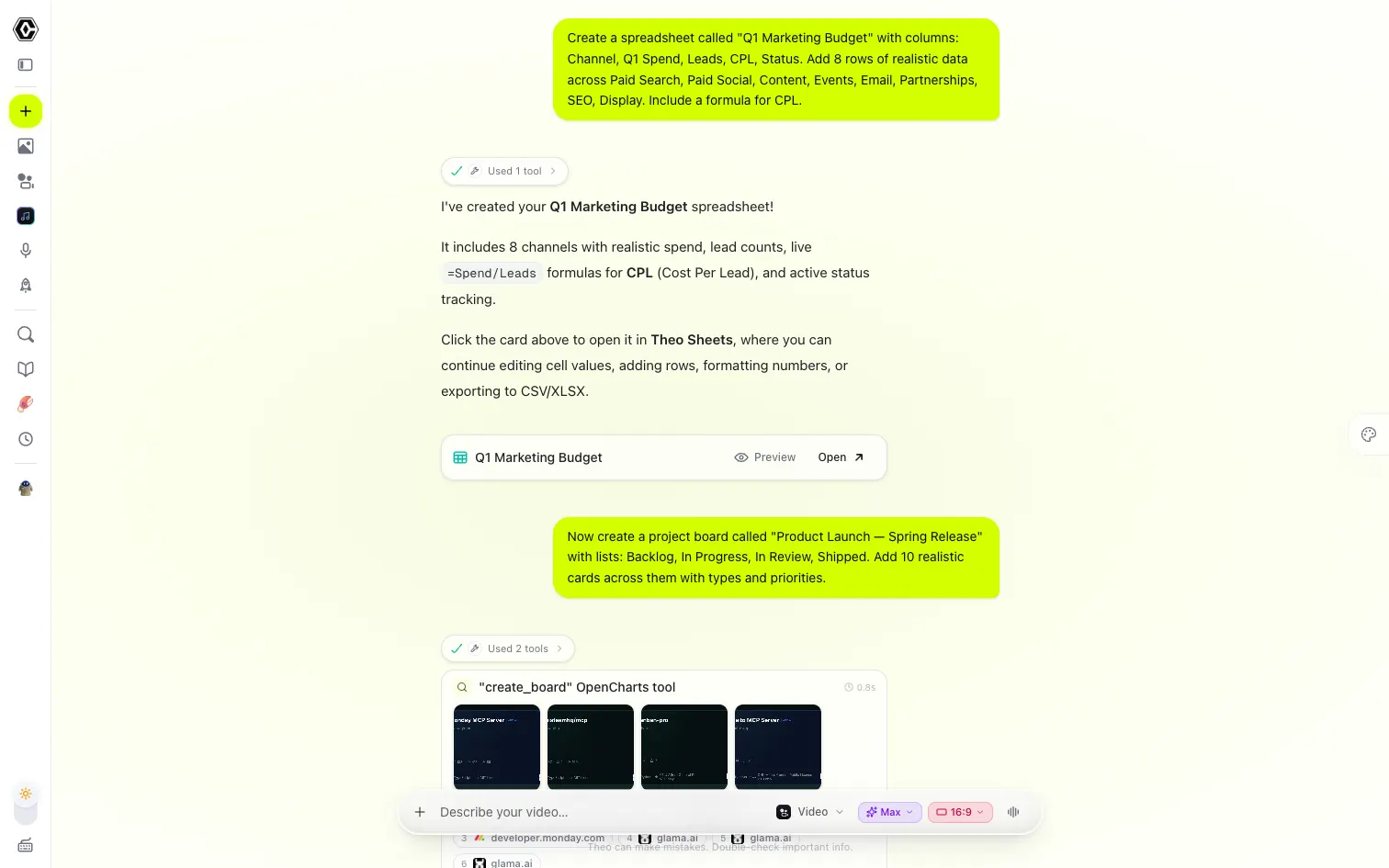
Write it in one app. Design it in another. Move it into a third so your team can work on it.
- Another bill to justify.
- Another tool to learn.
- Another handoff to manage.
What if the next thing you need was already part of your workspace?
So much more than
one more app.
Your business toolkit
Documents, decks, spreadsheets and canvases.
Your creative studio
Images, video, music and podcasts.
Your builder
Apps, websites, workflows and developer tools.
Your shared workspace
Boards, meetings, files and company knowledge.
Your AI teammate
An assistant, agents, dictation and live personas.
Features, AI credits, video allowances and storage vary by plan. Add-ons are separate.
Bring the whole company in.
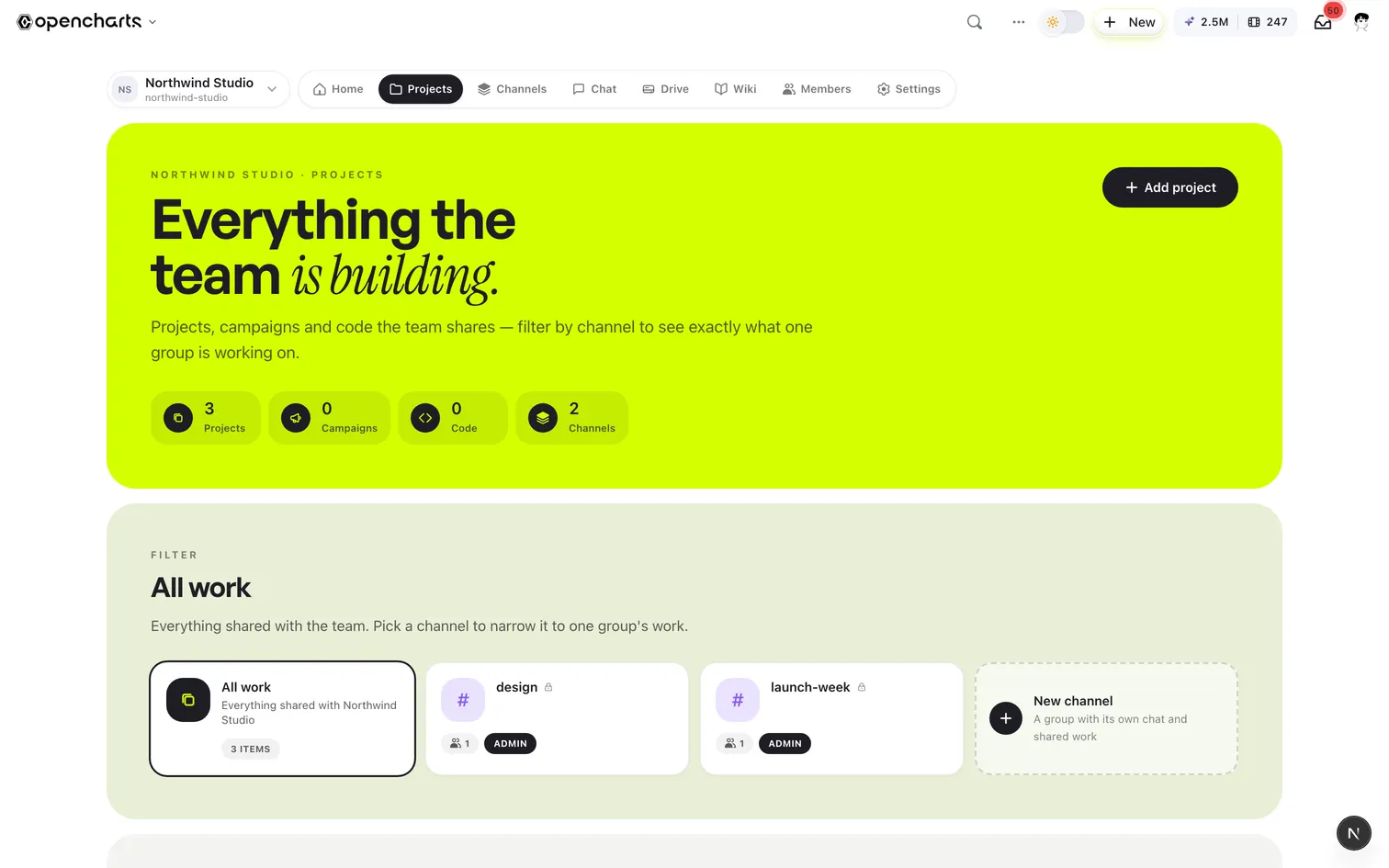
The same membership runs the company: the people, the conversations, the files and the knowledge, in one workspace.
One workspace for the whole company
Home, Projects, Channels, Chat, Drive, Wiki and Members, with every project the team shares in one place.
A channel is people, a chat room and shared work
Open channels anyone on the team can join, private ones by invite, and the projects, campaigns and files you share with each.
Roles, enforced everywhere
Owner, admin, editor and viewer, on every canvas and every file, with invite links you control.
100 GB of shared Drive
Every file the team keeps, with folders, previews, share controls and desktop sync.
A team wiki Theo answers from
Import your policies, playbooks and docs once; every chat, agent and persona cites them after that.
2M AI credits for every seat
Each seat gets its own monthly allowance, and the owner can pool purchased credits and hand them out.
Teams: $14.99 per user a month, 3-seat minimum. Features, AI credits, video allowances and storage vary by plan.
Keep the tools you love. Connect them to the work you do here.
Your whole stack, wired into one agent.
Every integration is a building block: agents read from Gmail, HubSpot, and Sheets, reason with Theo, pause for your approval, then write back to Slack, Stripe, and Notion, on triggers you set once.
From day one to running the whole business.
No migration project: a few things on day one, the first launch within the week, and more of the business every month after that.
- Day one
Bring your business in.
Give Theo your brand kit and reference files, connect the tools you already use, and invite the team. From here, every deck, document and image starts from your business, not from zero.
- Week one
Ship the first thing.
The pitch deck, the website, the campaign: describe it in the composer and keep editing in the real editor. The work lives in your workspace from the first draft.
- Month one
Put Theo to work.
Give an agent your leads and your routines, with approval before anything irreversible. A notetaker joins your meetings. The wiki answers from your own documents.
- Month three
Run the whole business here.
Boards for the work, Drive for the files, channels for the team, sheets for the numbers. The subscriptions you no longer need, cancelled.
Then the money
What one membership is worth to you.
Tick the tools your team pays for today and edit the amounts to match your bills. The OpenCharts side is the current price of the plan that fits your team.
Separate tools you pay for today
Per person
- / mo
- / mo
- / mo
- / mo
- / mo
- / mo
- / mo
- / mo
- / mo
- / mo
Amounts are per person, per month.
Separate tools today: $219 a month. With OpenCharts, the Teams plan for 3 seats: $45 a month. Estimated monthly difference $174, about $2,088 a year. What one membership keeps in your budget each month, at the amounts you entered.
Your monthly bill, compared
Estimated monthly difference
An estimate from the amounts you enter, against current plan prices. Features, AI credits, video allowances and storage vary by plan. Add-ons are separate.
Stop typing. Just say it.
Your plan does not stop at the browser tab. Put your cursor in any text field on your computer, hold a key and talk. Theo drops the fillers, fixes the grammar, matches the tone to the app you are in, and types the finished text right where you were writing.

Signed, notarized and self-updating. Sign in with the account you already have; there is nothing extra to buy.
- macOS 14 or later · Apple silicon and Intel
- Windows 10 or later · 64-bit
- Android: get it on Google Play (opens in a new tab)
- Coming to iPhone
Anywhere your cursor blinks.
Mail, chat, docs, code editors, the browser. Speak in any of 25 languages and Theo detects which one, or you pick it.
- English
- Español
- Français
- 日本語
- Հայերեն
- +20 more
Then send it where it belongs.
Turn what you said into a note in Theo Notes, a card on your board, or a task or message in the tools you connect. Nothing is sent without your tap.
- Theo Notes
- Theo Boards
- Linear
- Notion
- Slack
- Gmail
- Telegram
Teach it once. Use it again.
Save the names it should spell your way, and give text you repeat a spoken cue. Your dictionary and Shorthand follow your account across devices.
You say
“My sign-off”
Sidekick types
Thanks for your time. Looking forward to hearing from you. Alex
All of this is included in your OpenCharts membership.
Sidekick is not another app to pay for. It runs on the same account and the same plan as the rest of your workspace, from the browser to your desktop and your phone.
See the plansUnlimited dictation
on every plan
One account
The same sign-in on Mac, Windows and Android
Nothing extra
No add-on and no per-minute charges
Cloud transcription is the default. Saved history and recordings stay on the device that recorded them, and on Apple silicon Macs, on-device transcription is an option. On the Mac, in beta, Sidekick is also an assistant: hold the orb and ask Theo about what is on your screen, and it answers out loud, points at the control and can do it for you.
Teams that run on it.
Health plans, agencies and clinics on OpenCharts, in their own words.
 Community health plan
Outreach moves fast in community health. Our teams spin up program docs and event materials same-day — and everything still clears brand and compliance.
Built for how your business actually runs.
Pick an industry to see the jobs teams like yours get done here, and the products that do them.
Clinic operations, out of the binder.
Protocols, intake flows and patient materials the whole care team can find.
- Map the intake flowFlowcharts
- Write the protocol once, keep it currentNotes
- Patient materials, bilingual by defaultTheo AI
- One wiki for the whole networkWiki
Would you like to take another path?
The same OpenCharts, told for another kind of business.
Choose your plan.
Build from here.
Start with the plan that fits today. Compare included tools, project limits, monthly credits and storage before you choose.
Teams
For squads that think together
Min. 3 users, billed monthly
Everything in Starter, for every seat:
- Unlimited projects for everyone
- ≈ 20 videos a month per seat, every engine
- 100 GB of shared Drive storage
- Real-time collaboration & team chat
- Org workspace + admin dashboard
- Theo Personas + Director Mode per seat
Charts & notes don't reset · AI credits reset monthly · Cancel anytime
Your next big thing.
One membership away.
The idea, the launch, the work that comes after. Bring what you want to build. Your tools and Theo are ready.
One membership · More possibilities · Cancel anytime