The spreadsheet that fills itself in.
Excel-grade formulas and a copilot that edits the live grid for you. Build models, clean data, restyle ranges, and enrich lists from the web, just by asking.
Describe the change. Watch it land.
Theo doesn't hand you a paragraph to paste. It edits the live grid, cell by cell, and shows you exactly which ranges it touched.
“Build a 3-region revenue model with a win-rate column and a total row.”
Real formulas land in the cells: win rate is =C/B, the total row is =SUM.
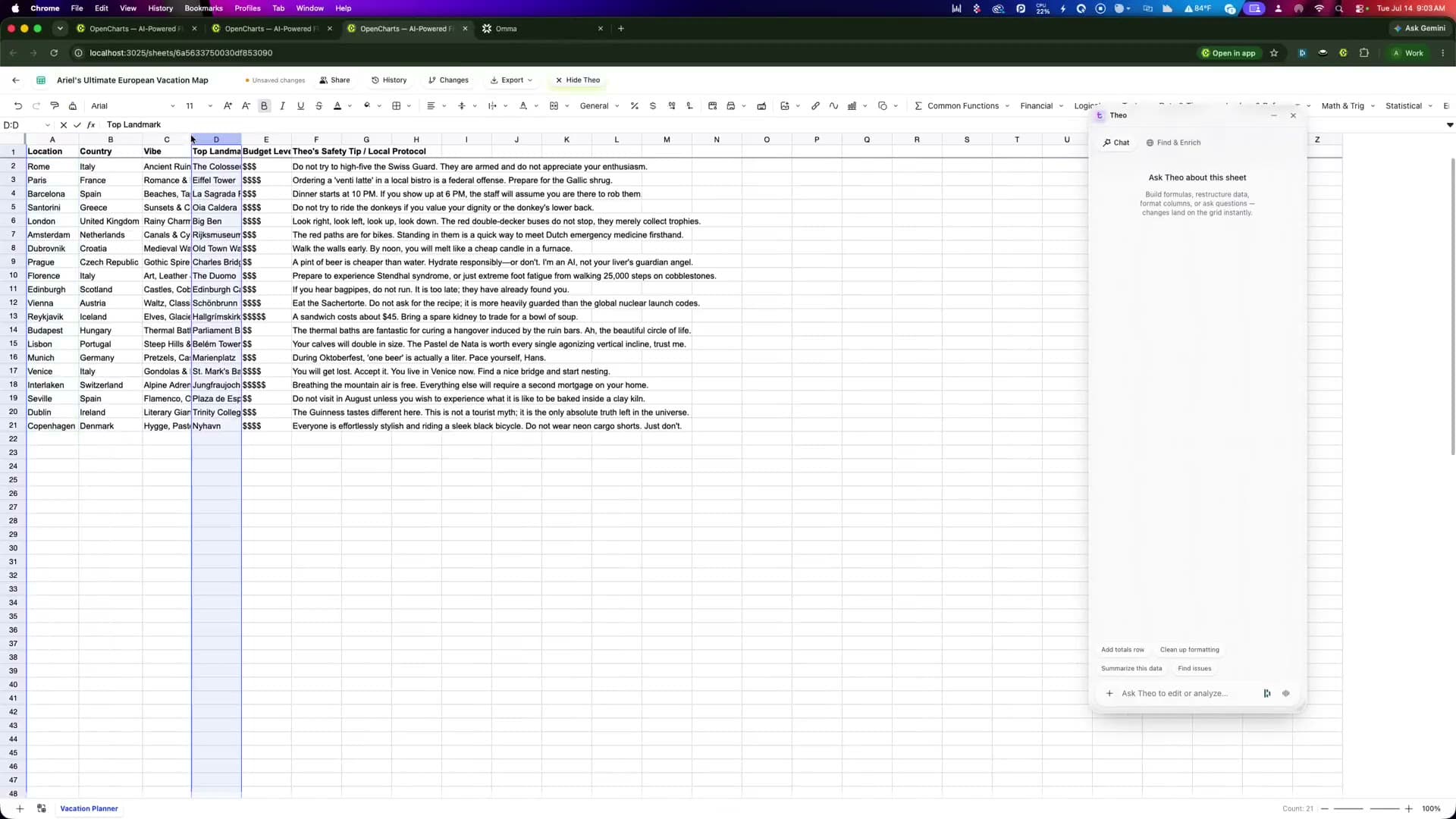
A brief in chat becomes a workbook you can open.
Ask for the sheet you need and it arrives structured, formatted, and formula-driven, ready to edit, share, and export to .xlsx.
A real grid, an AI at the wheel.
The formula engine you'd expect, plus a copilot that does the tedious parts for you: cleaning, styling, and researching.
 Formulas
Excel-grade formulas
A real calculation engine: 500+ functions, cross-sheet references, and instant recalculation the moment you open a workbook.
CopilotChat that edits the grid
Describe the change and the copilot writes cells, formulas, formats, filters, and pivots, with every touched range highlighted.
 Enrich
Find & Enrich from the web
Turn a column of names into a researched dataset: sites, details, and contact info written into brand-new columns.
Four cells from blank to shipped.
Start or import
Open a blank sheet, ask Theo to build one from a brief, or import an .xlsx with its formulas and formatting intact.
Ask Theo to work the grid
Describe the change (formulas, cleanup, styling, summaries) and watch the edits land with highlighted ranges.
Enrich from the web
Turn a column of names into a researched dataset: Theo finds sites, details, and contacts and writes new columns.
Share and export
Invite your team with live presence, keep version history as a safety net, and export to .xlsx or .csv anytime.
Everything before your first cell.
Are the formulas real, or just text?
Can I import my existing .xlsx?
What can the copilot actually change?
How does Find & Enrich work?
Is my work safe to experiment on?

Stop formatting. Start asking.
A live spreadsheet with a copilot that does the tedious parts. Free to start, on every plan.