One conversation. Every canvas.
Theo is the AI that powers all of OpenCharts. Describe what you need and it hands back flowcharts, decks, research reports, working apps, videos, podcasts, and images.
One Theo. Eleven gears.
Every mode tunes Theo for a different kind of work. Pick one yourself, or just ask and let Theo route the request.
Theo Fast
Instant answers and quick creation. Theo Fast delivers replies, projects, and tool calls in seconds.
“Create a flowchart for user onboarding.”
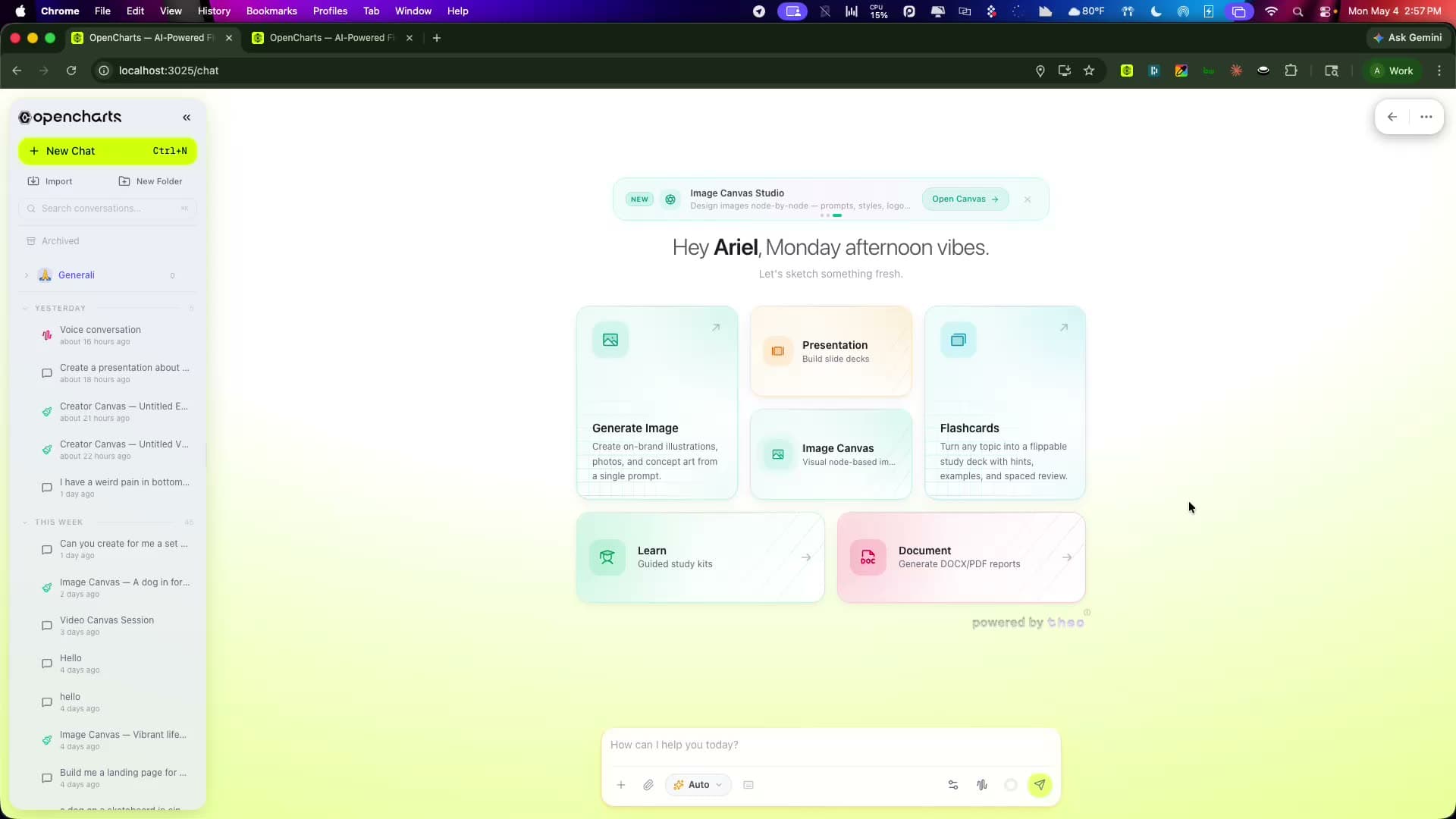
The whole workspace answers to a sentence.
A single conversation can produce a flowchart, a deck, and a working app. Theo picks the right canvas and tools for each part of the ask.
Everything Theo can hand you back.
A conversation with Theo ends in real, editable work. Every artifact opens in its own full editor.
Flowcharts
Processes mapped with decision branches and auto-layout.
Whiteboards
An infinite canvas. Sketches convert into structure.
Notes
A block editor with inline AI writing on ⌘J.
Presentations
Decks with real images and brand themes from any URL.
Podcasts
Two AI hosts discuss any document, in three styles.
Videos
Storyboarded, generated, and composited scene by scene.
Code apps
Working software with a live preview and cloud deploy.
Images
Nine engines and four aspect ratios, on demand.
An AI you can talk to, anywhere.
Theo shows up across the product: as a voice on a walk, a careful researcher for health questions, and a briefing on your home screen.
 Voice
VoiceTalk it through
Real-time voice conversations. Brainstorm out loud, ask follow-ups, and create projects entirely hands free.
 Care
CareHealth answers, grounded
Theo Care checks live medical sources and answers with citations. Informational and honest, never a diagnosis.
 Home
HomeA home that briefs you
Land on a workspace that already knows your projects and meetings, with Theo one sentence away.
Off the record. On demand.
Flip one switch and Theo goes fully private. Zero retention, zero storage, zero trace. Included on every plan.
Unrestricted chat
Zero logging. Every message is processed with zero retention and deleted instantly.
Ephemeral sessions
Conversations live only in your browser tab. Close it and everything vanishes.
Private web search
Search with no tracking, no history, and no analytics. Results are processed ephemerally.
No audit trail
No memory extraction, no intent tracking, no behavioral analytics. Off the record.
 Zero retention
Theo works while you don't.
Four tiers of autonomy turn Theo from an assistant into a teammate. Every action is credit-guarded and auditable.
Skills
Modular capabilities you install from the Skill Store. 25+ built in, from calendars to domain expertise.
“Content Calendar Builder”
Heartbeats
Scheduled background checks every 30 minutes. Opt-in, credit-guarded, with quiet hours.
“Daily morning briefing”
Hooks
Event triggers that fire when something happens: a task goes overdue, a reply lands, a file arrives.
“Task overdue? Summarize and reprioritize”
Workflows
Multi-step automations that chain tools, AI transforms, conditions, and notifications. Built conversationally.
“Research, summarize, present, notify”
Everything before your first prompt.
What is Theo?
What AI modes does Theo have?
Is Theo free to use?
Can Theo create multiple things in one conversation?
What is Theo Stealth?
How does Deep Research mode work?
Can Theo generate videos?
Can Theo build full applications?
How does the Theo Autonomy Layer work?
Does Theo have memory?
How many image models does Theo have?

Meet the AI that does the making.
Theo is included on every OpenCharts plan, with all 11 modes and every canvas.