A Miro alternative that builds the diagram for you
An alternative to Miro, the online whiteboard and collaboration platform
OpenCharts pairs an infinite whiteboard with AI that turns PDFs, decks, and prompts into structured flowcharts — plus notes and presentations in the same workspace.
Why teams are switching from Miro
AI that builds the diagram, not just sticky notes
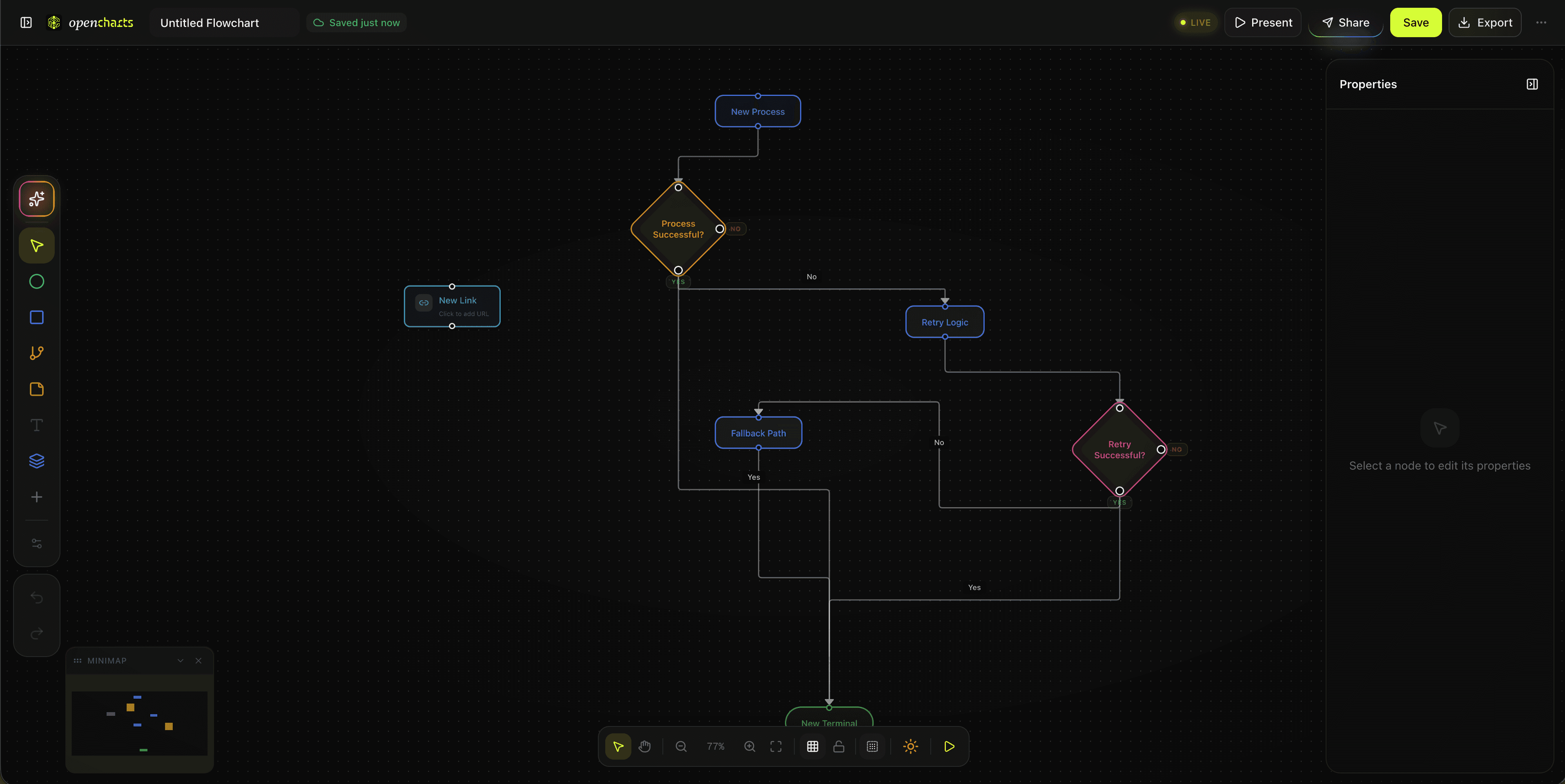
Miro AI mostly clusters sticky notes and summarizes boards. Drop a PDF, a slide deck, or a rough prompt into OpenCharts and Theo generates a fully structured, editable flowchart — swimlanes, decision branches, and all — in 5–15 seconds.
One workspace instead of stacking tools
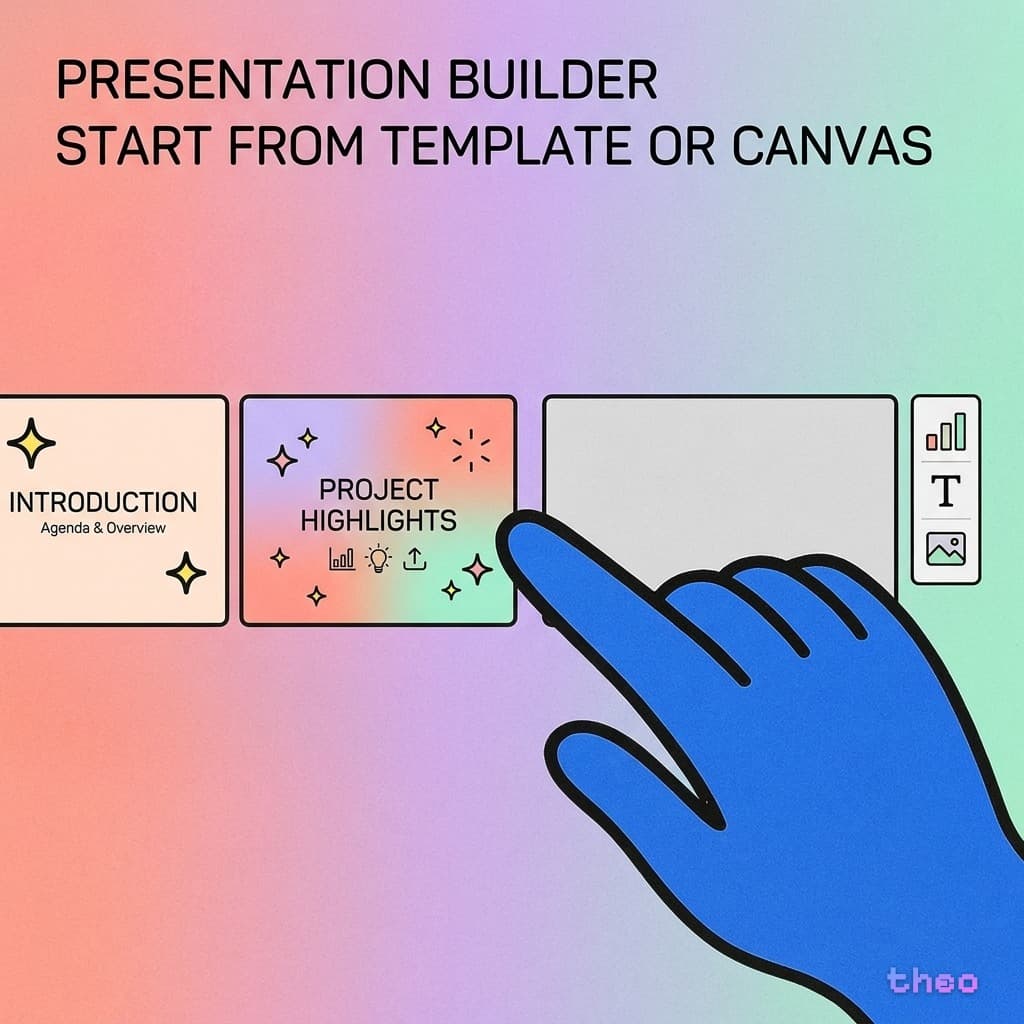
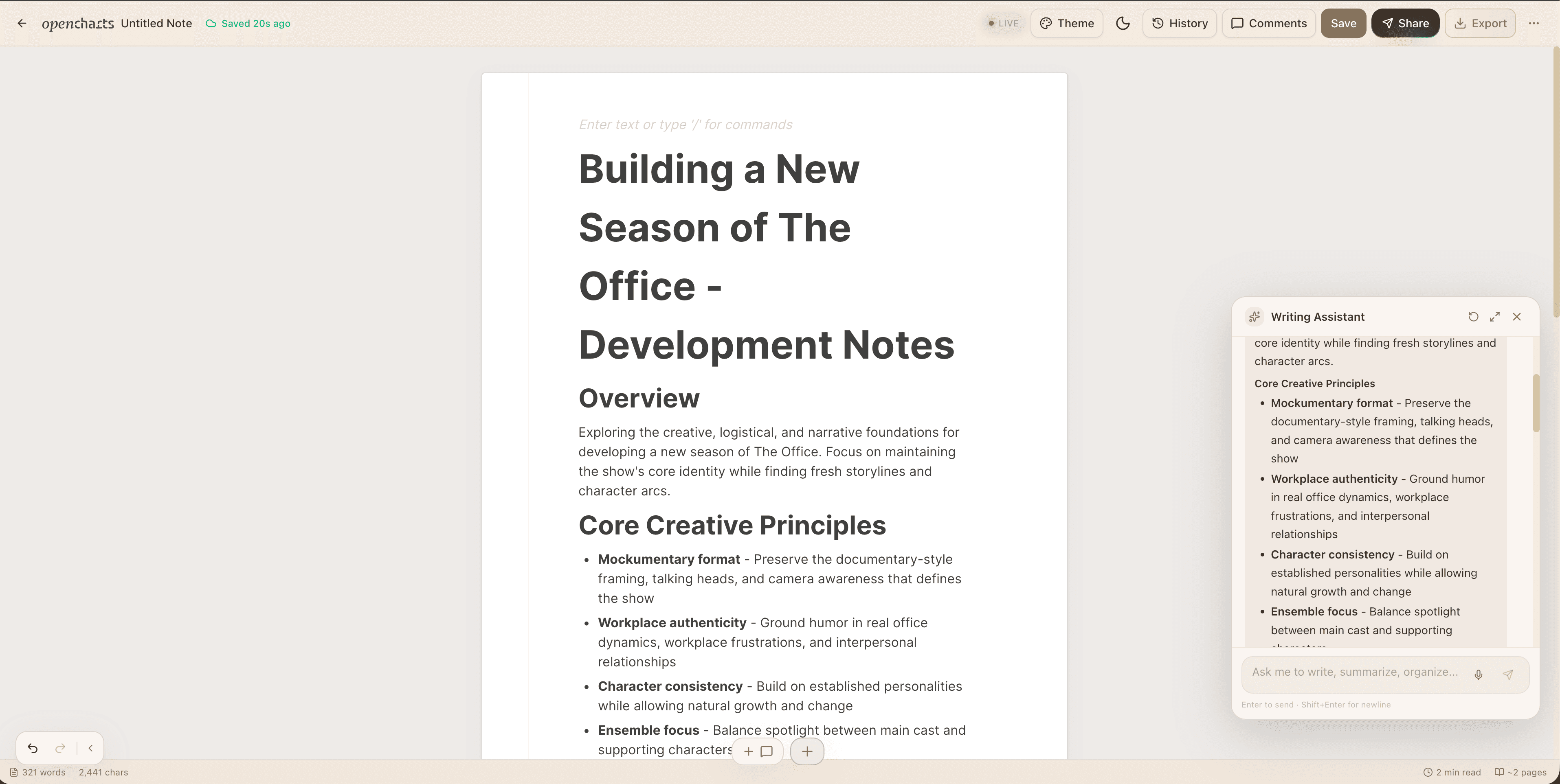
Miro is a whiteboard. The moment you need docs or a deck, you're opening Notion and Google Slides too. OpenCharts bundles whiteboards, structured flowcharts, notes, and AI presentations under one login — so a brainstorm turns into a shipped deck without leaving the tab.
One flat plan, not a per-seat ladder
Miro's free plan caps you at 3 editable boards and limits collaborators per board. OpenCharts has no free tier to outgrow: one flat plan ships unlimited real-time collaborators, threaded comments, and version history, with AI generation included.
Built for AI agents, not just humans
OpenCharts exposes a public MCP server (19 tools) so Claude Desktop, Cursor, Warp, and VS Code can read and write your projects directly. Miro has no equivalent for AI-agent workflows.
See it in one workspace
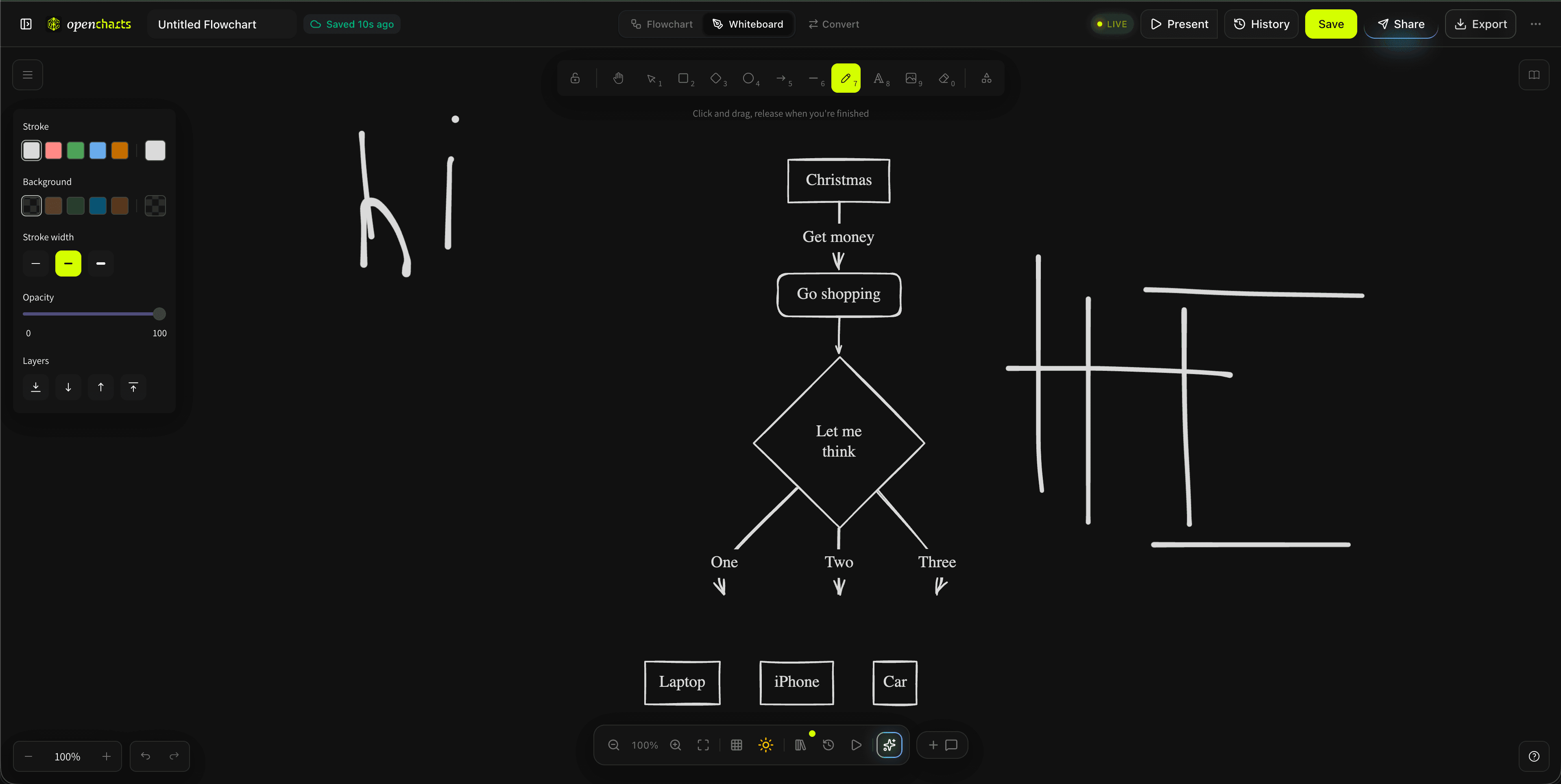
Whiteboards, flowcharts, notes, and decks. The same canvases Miro makes you split across tools.
OpenCharts vs Miro, at a glance
Pricing that doesn't punish you for growing
Every canvas, AI on every plan, unlimited real-time collaborators.
Billed per seat — cost climbs as your team grows.
- Free plan caps you at 3 editable boards
- AI features are a limited assist layer, not full diagram generation
- No notes editor or presentation builder — you'll need separate tools
- No public API or MCP server for AI agents
Prefer per-seat billing for a larger team? OpenCharts Teams is $14.99/user/month — 25% less than Miro Business's $20/user/month.
Switch from Miro in 3 steps
Export your Miro board
Open any Miro board and export it as a PDF or PNG from the board menu.
Drop it into OpenCharts
Create a new whiteboard or flowchart project and drag the exported file onto the canvas.
Theo rebuilds the structure
Theo extracts the shapes, sticky notes, and connections into native, editable elements — ready to theme, collaborate on, and export.
- Miro's facilitation suite (timers, voting, breakout rooms) is more mature for large, live workshops.
- If your team depends on Miro's marketplace of third-party workshop apps, that ecosystem doesn't carry over.
Frequently asked questions
What is the best alternative to Miro?
Is AI a separate paid add-on?
Can I import my existing Miro boards?
How is OpenCharts different from other Miro alternatives like Mural or FigJam?
Does OpenCharts replace Miro for team workshops?
Can AI agents like Claude or Cursor connect to OpenCharts?

Make the switch from Miro
Real-time collaboration, AI generation, and full export — on plans starting at $9.99 a month.
Plans from $9.99/mo · Real-time collaboration